Tag Smarter, Not More: How to Design a Shopify Tag System Before You Automate It (with Taggify)

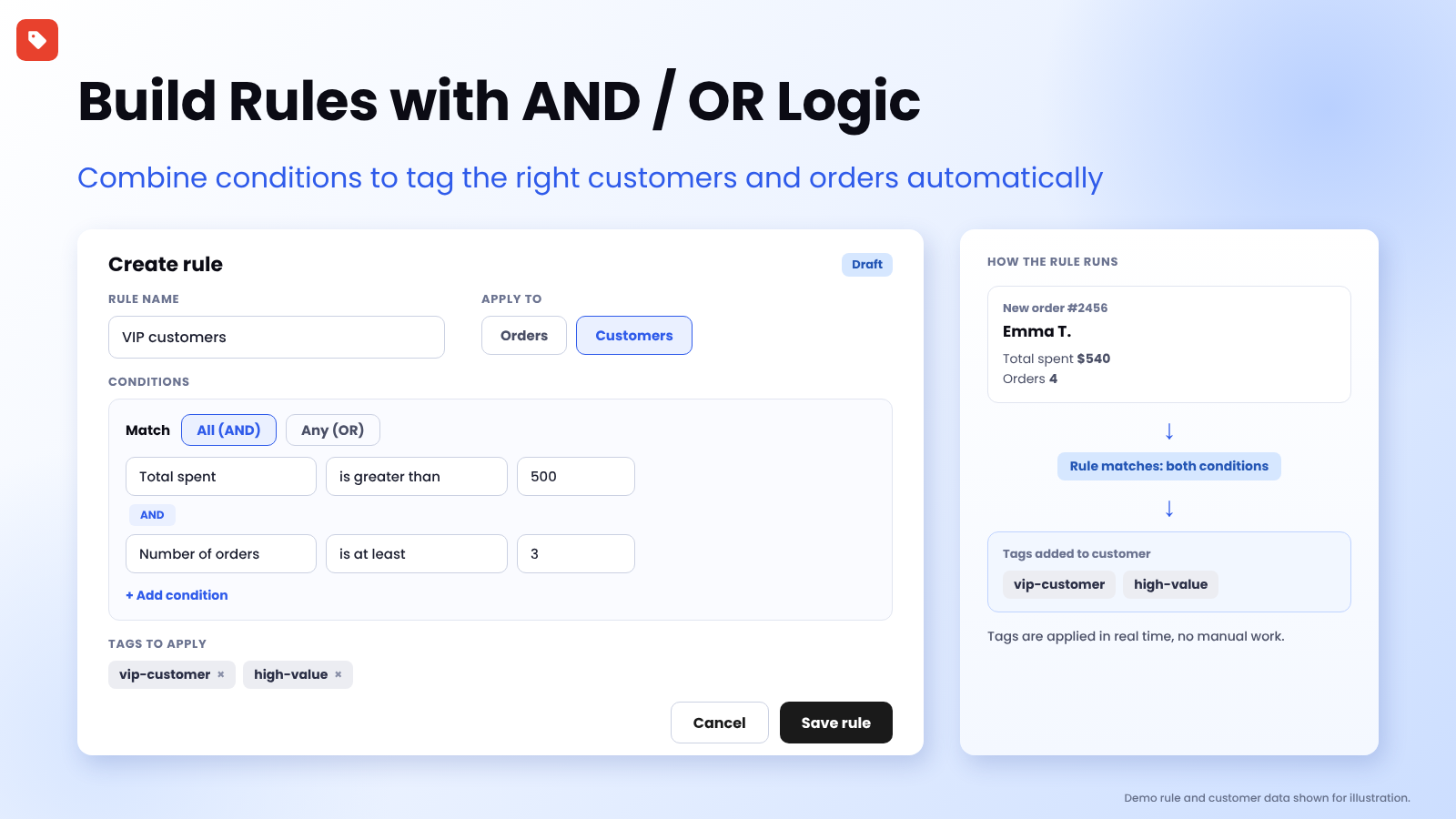
Demo rule and customer data shown for illustration.
👉 Automate your tags the organised way: Install Taggify ‑ Customer & Orders on the Shopify App Store →
Automation Makes a Good System Better, and a Messy One Worse
Most merchants meet tagging the same way. They create a few tags by hand, find it useful, and then look for an app to automate it. The automation works, and six months later the store has 80 tags, three spellings of "VIP", and nobody remembers what promo2 was for.
Tags are only valuable when they are consistent. They power customer segments, email targeting, wholesale handling and fulfilment workflows, and all of those break quietly when the tags underneath are a mess.
This guide is about the part that comes before the rules: how to design a tag system you won't regret, and then how to set it up in Taggify so it runs in the background. If you want ready-made rule ideas to copy, see our 10 customer tagging rules. If you are comparing against Shopify Flow, see Shopify Flow vs. Taggify.