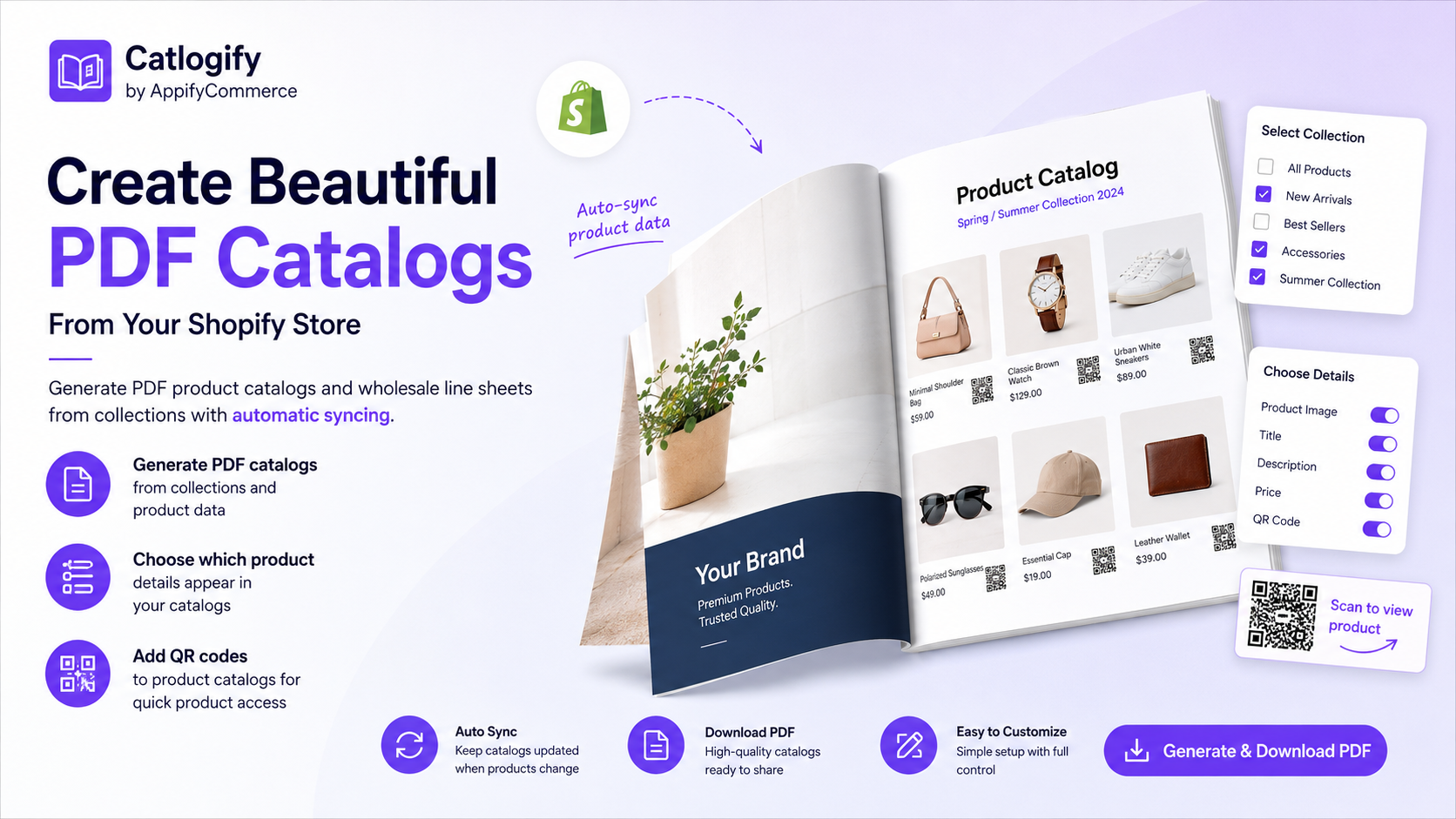
Shopify Catalog Checklist: Prep Your Products and Build PDF Catalogs Buyers Actually Use (with Catlogify)

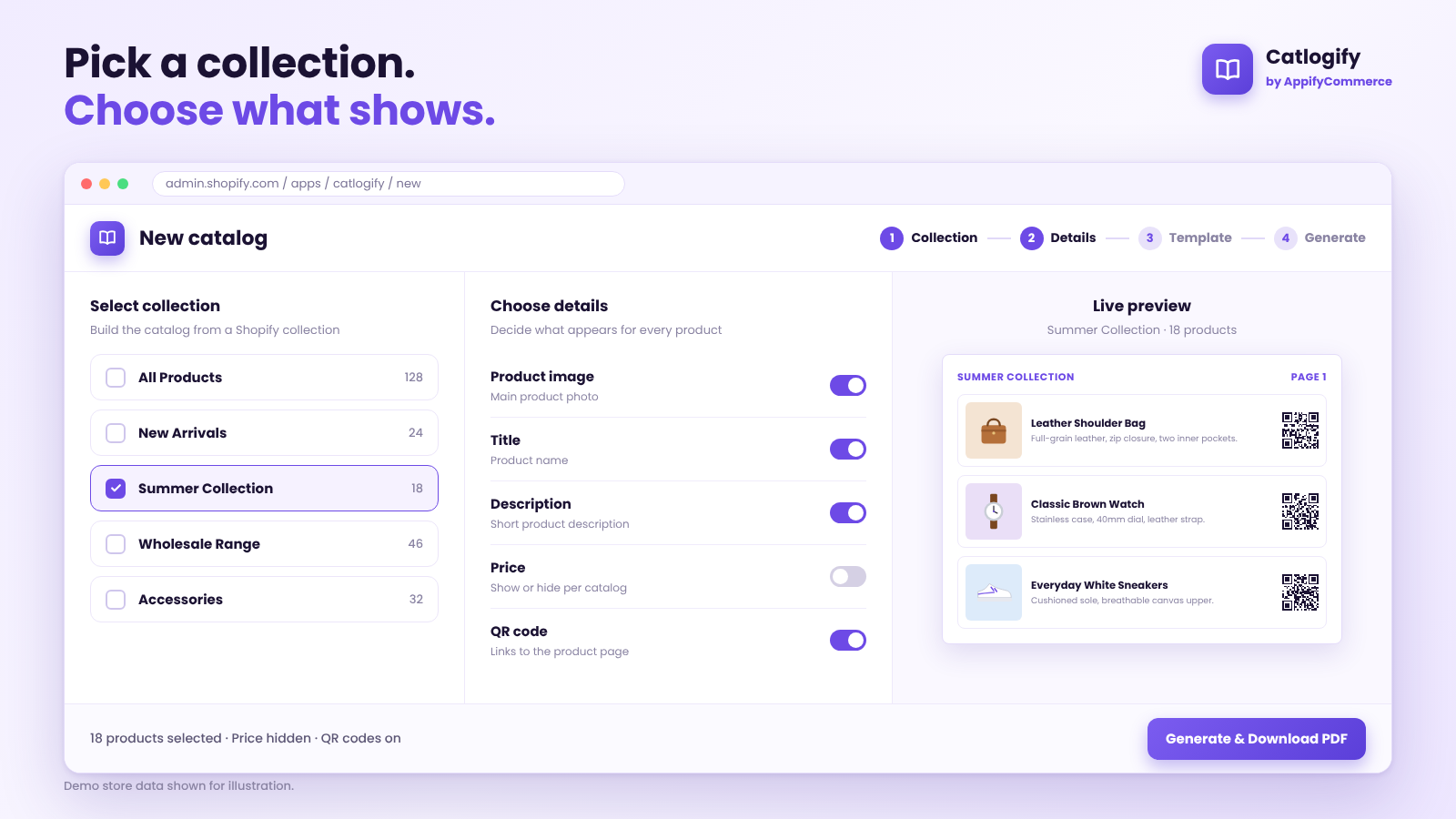
Demo store data shown for illustration.
👉 Turn your Shopify collections into PDF catalogs: Try Catlogify on the Shopify App Store →
Your PDF Catalog Is Only as Good as Your Product Data
Most merchants who need a catalog start in the wrong place. They open a design tool, pick a template and begin copying product names into text boxes.
The better starting point is your Shopify admin. Your product titles, descriptions, images and collections are already the raw material for every catalog you will ever send. If that material is messy, the PDF will be messy too, however good the layout looks.
This guide is a practical checklist for getting your store ready, then turning it into focused PDF catalogs and wholesale line sheets with Catlogify by AppifyCommerce. If you want the full feature overview first, read our Catlogify introduction. This post is about the preparation and decisions that make a catalog work.