Can I change the size/resolution of the zoomed image in ZoomMaster App for my Shopify store? If yes How?
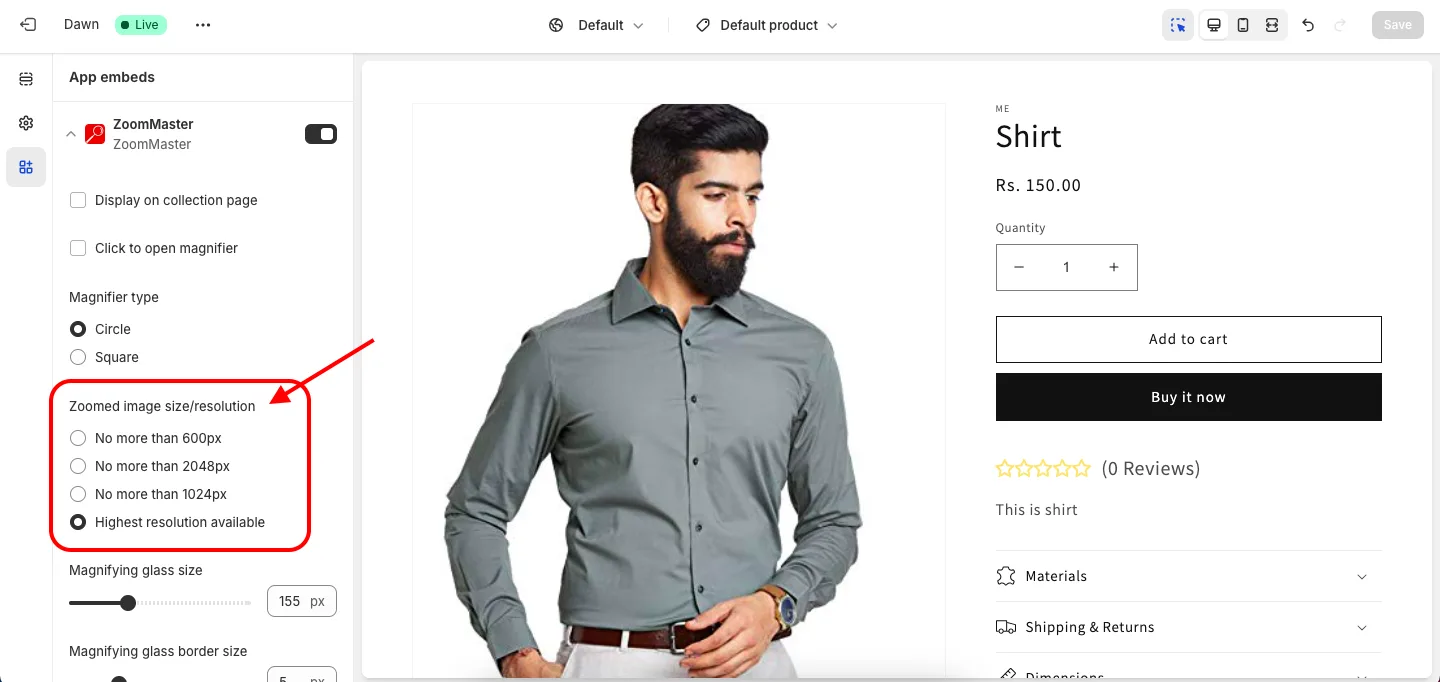
Yes. In the Theme Editor, open App embeds > ZoomMaster and look for the Zoomed image size/resolution setting. You will find 4 options:
- No more than 600px
- No more than 1024px
- No more than 2048px
- Highest resolution available
Select your preferred size/resolution and click Save in the Theme Editor; refer to the given below screenshot.
Get ZoomMaster app for Shopify storefrom here ZoomMaster