What do customers see on the product page?
The Questions & Answers section appears in the product details area, alongside Details and Reviews. It works on any theme and does not require Page Builder.
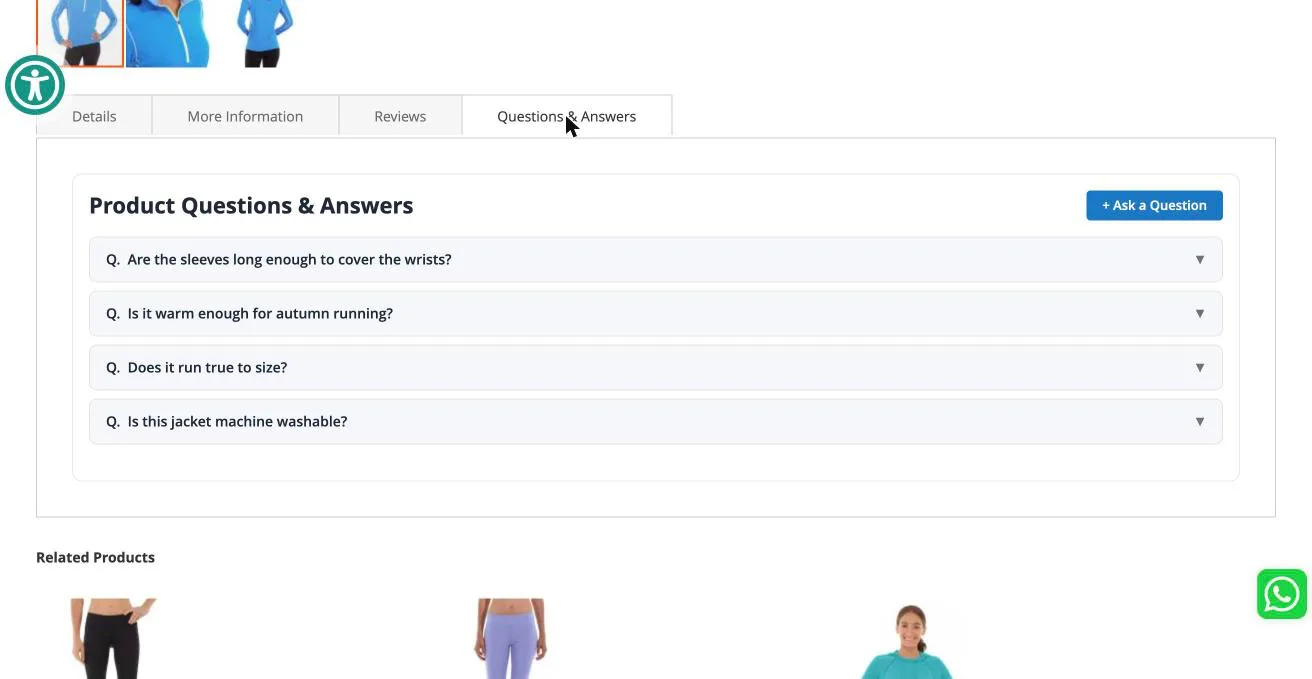
Reading answers
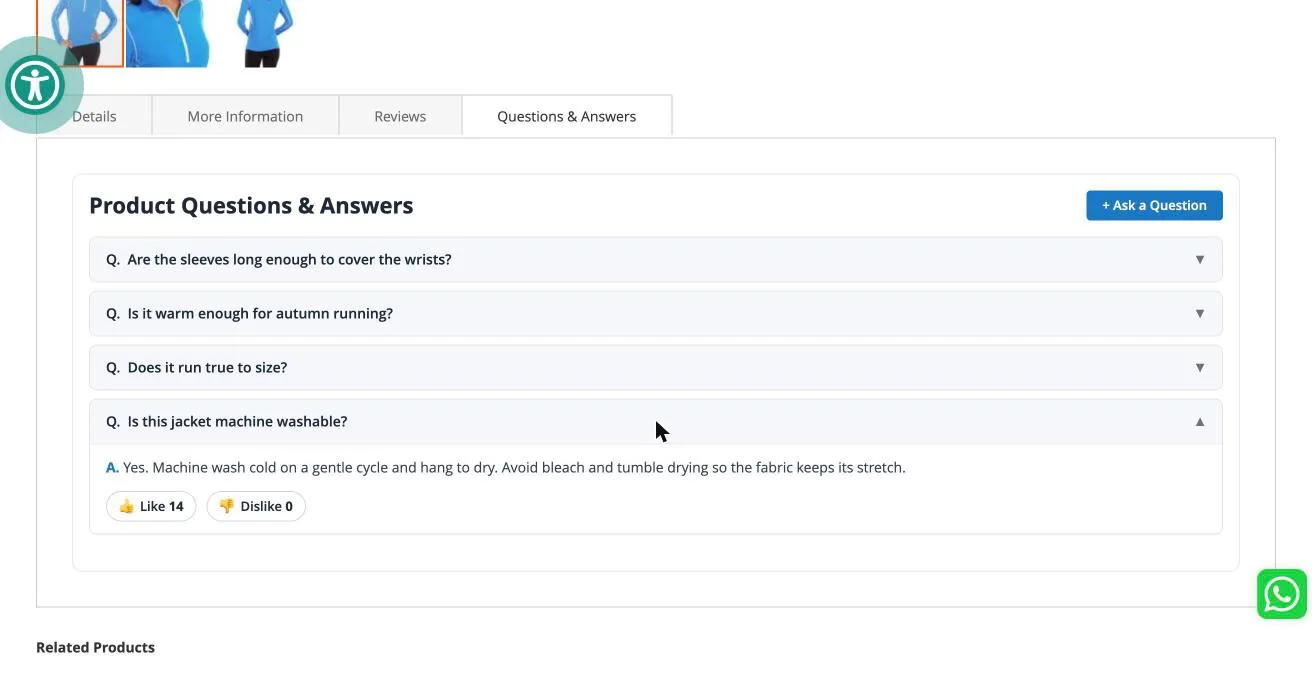
Approved questions are listed newest first. Clicking a question expands it to reveal your answer, along with Like and Dislike buttons so shoppers can mark which answers actually helped.
Each visitor can vote once per question, so the counts stay meaningful.
Asking a question
Clicking + Ask a Question opens a short form: the question itself, an optional email address, and up to three optional images.
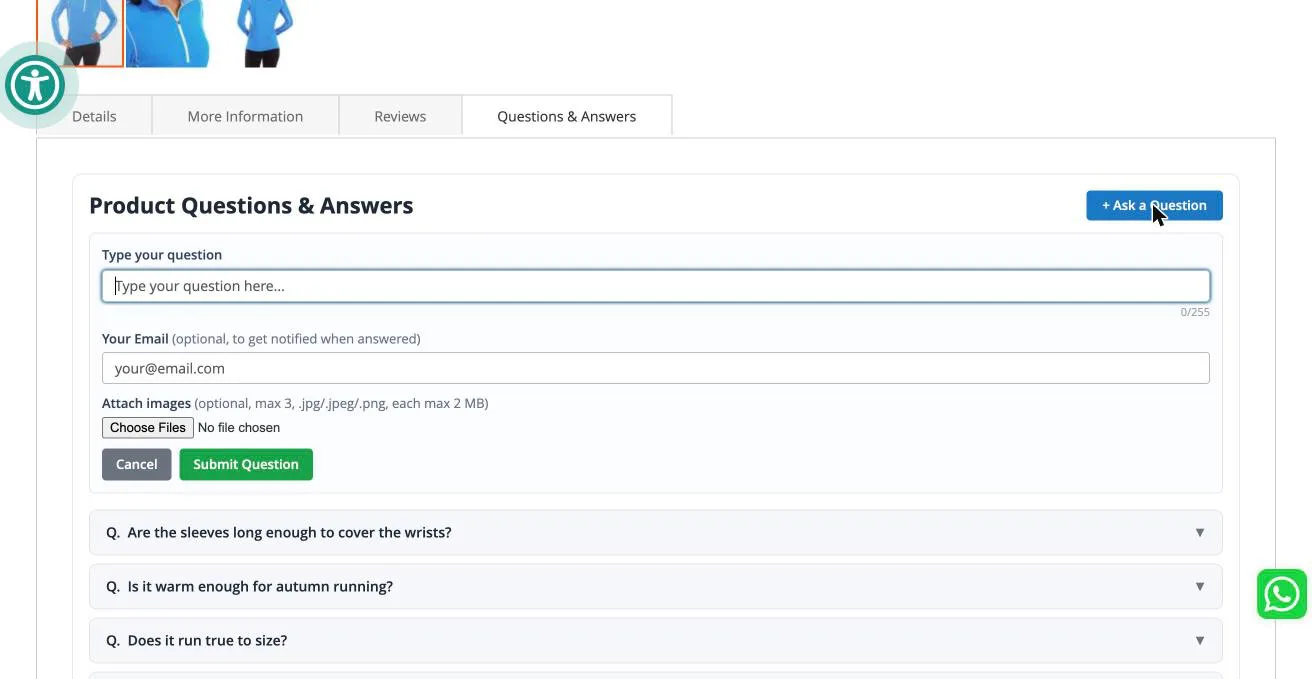
The form submits without reloading the page.
After submitting
The shopper immediately sees their own question at the top of the list, marked Awaiting review, with a note explaining what happens next. If they left an email address, they are told they will be notified once it is answered.
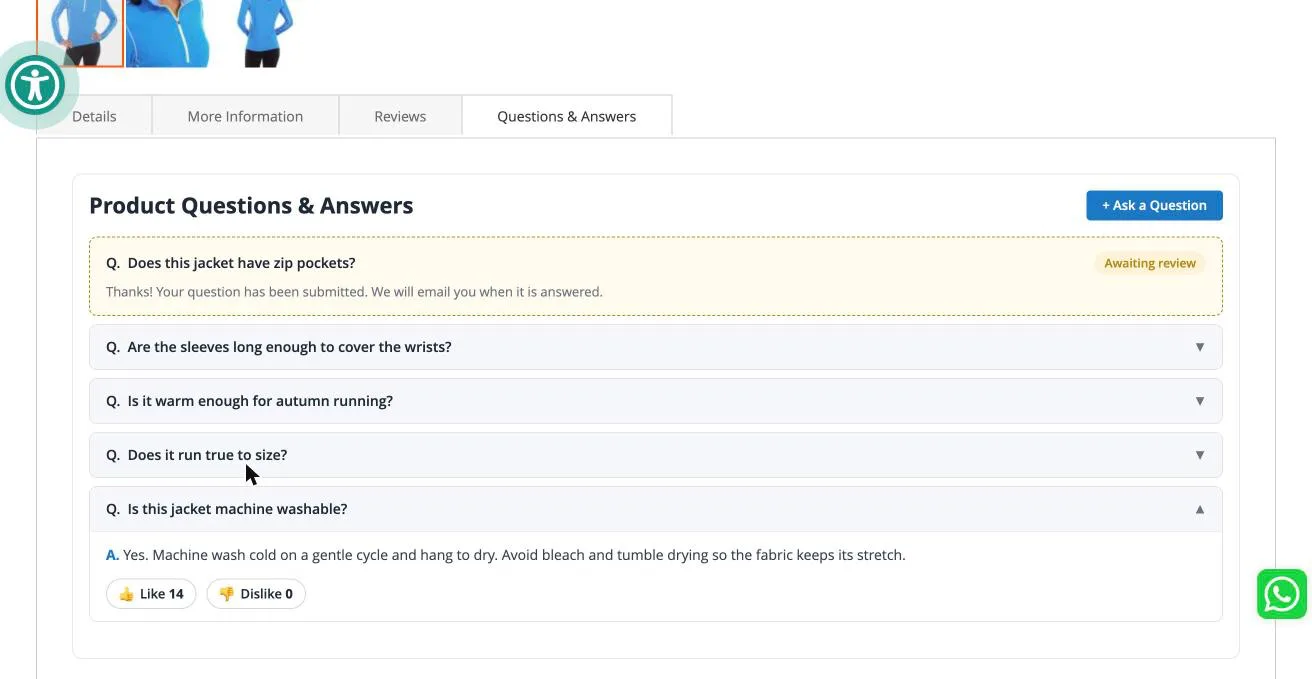
This is why a shopper never sees an empty list after asking. Their question is in your moderation queue, not lost.
You can install Product Question & Answer for Magento from here.
Contact Us at support@appifycommerce.com