How do I add my own questions and answers?
You do not have to wait for a shopper to ask. Publishing the questions you already get asked every week is one of the fastest ways to reduce repetitive pre-sales emails.
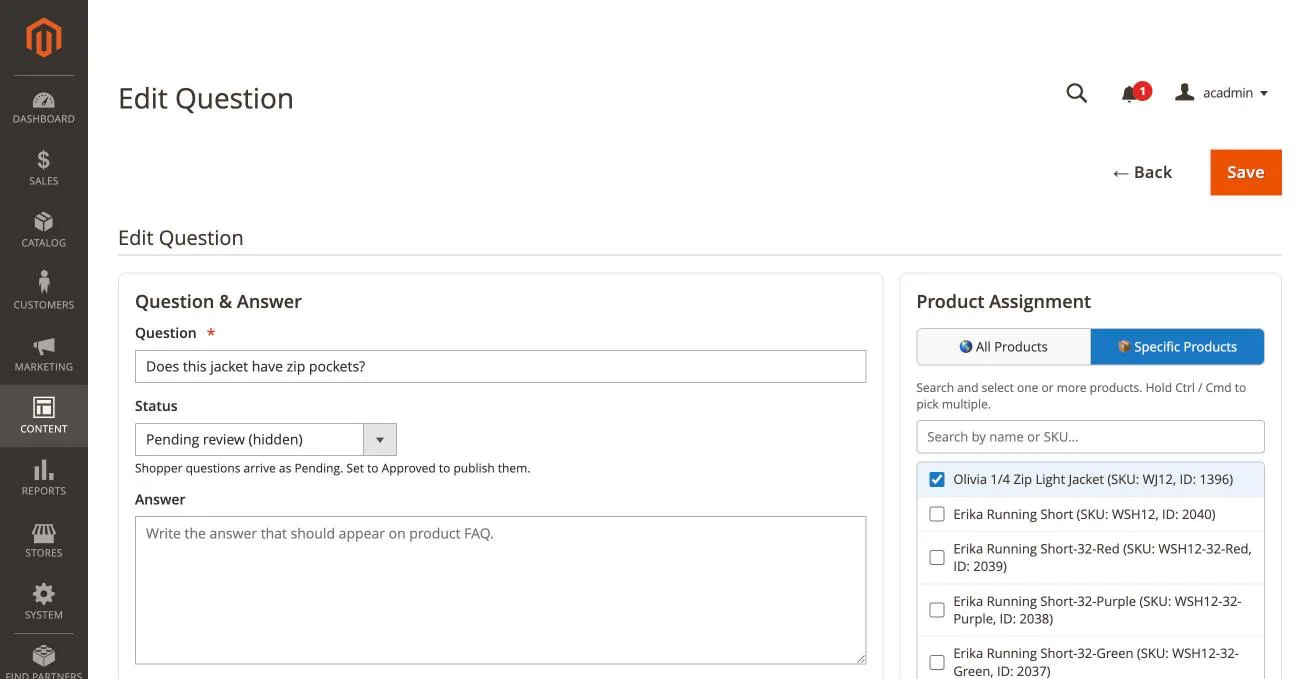
- Go to Content → PQA Questions.
- Click Add Question.
- Fill in the Question and the Answer.
- Choose the Product Assignment — see assigning questions to products.
- Set Status to Approved (visible on storefront).
- Click Save.
Good candidates to publish yourself
- Sizing and fit guidance
- Material, care and washing instructions
- Compatibility with other products you sell
- Delivery times and returns for that product type
- Warranty terms
tip
After you save a question you can open it again with Edit and use the Like and Dislike buttons under Votes to raise its starting counts. That is handy when you are migrating FAQ content that already had helpful-votes. Note that votes do not change the order on the product page; questions are always listed newest first.
You can install Product Question & Answer for Magento from here.
info
Contact Us at support@appifycommerce.com