How do I set up the Whatsappify App on Magento?
To set up the Whatsappify App for Magento, follow these steps:
1. Install the extension: Install Whatsappify from the Adobe Commerce Marketplace.
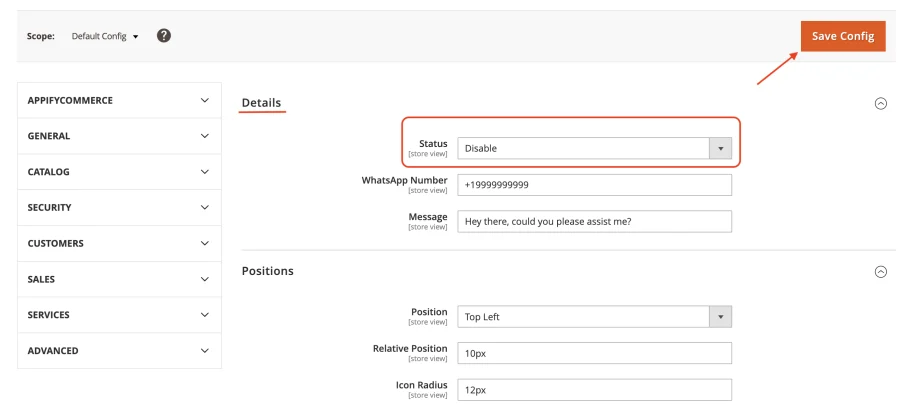
2. Open the configuration: In your Magento admin go to Stores → Configuration → AppifyCommerce → Whatsappify. 3. Customize details Settings: Adjust status settings to match your store's style.
4. Save Your Settings: Click 'Save Config' to activate the chat widget on your store.
Once saved, the WhatsApp chat widget will be live, providing your customers with an easy way to connect.
You can install Whatsappify from here.
info
Contact Us at support@appifycommerce.com