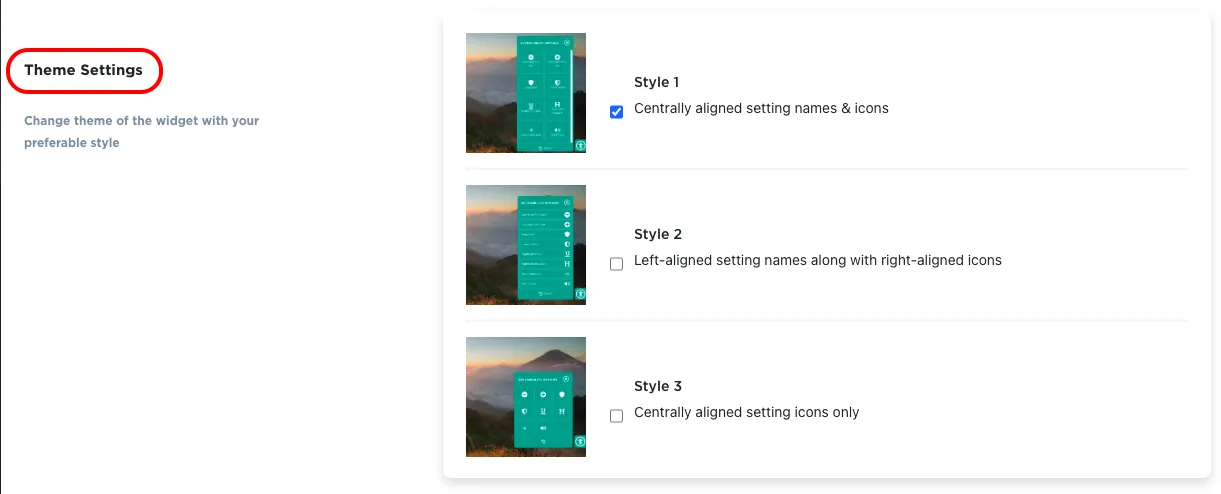
How do I change the theme for the accessibility toolkit slider in Ecwid by Lightspeed?
-
Open the app and scroll to the Widget Style section.
-
In Layout style choose One column, Two column or Three column. You can also set the widget Radius, Container Radius, Horizontal Spacings and Vertical Spacings.
-
Click Save.
Get Accessibility App for Ecwid (by Lightspeed) from here Accessibility Toolkit