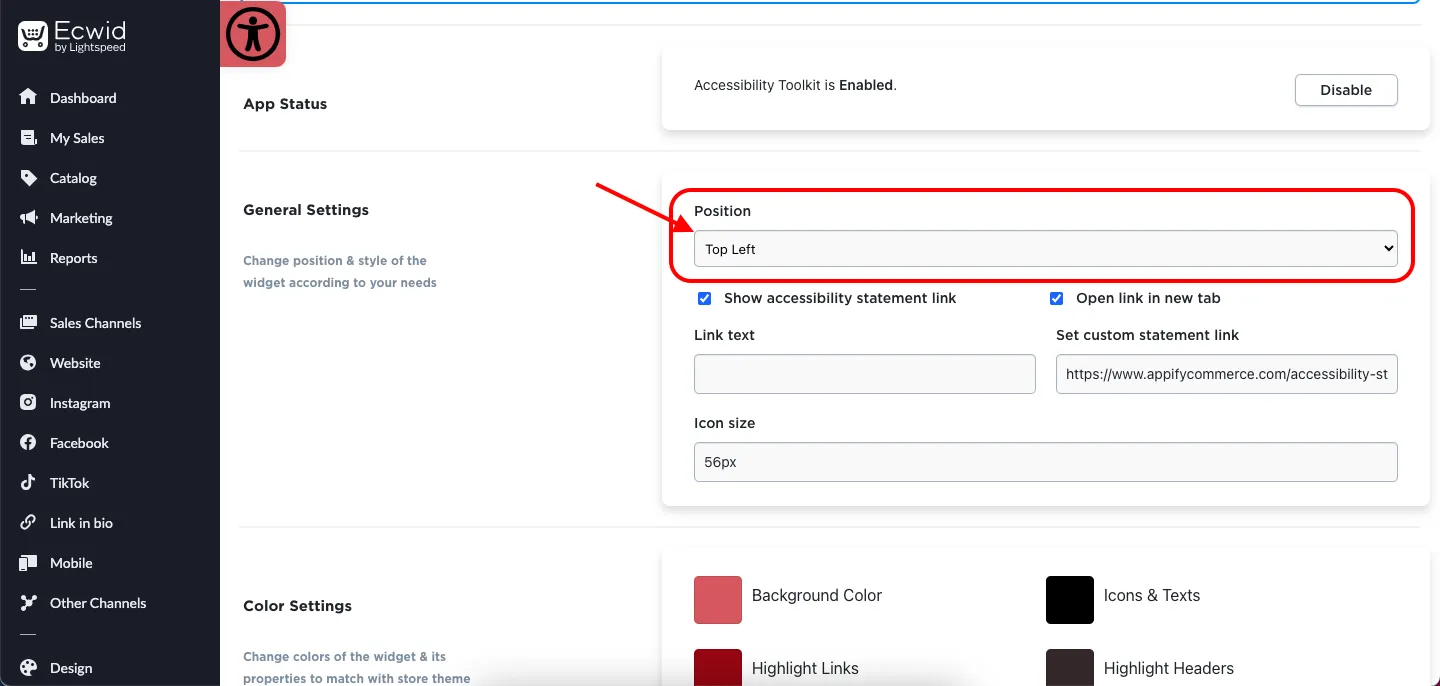
How do I change the position of the Accessibility toolkit tray icon in Ecwid by Lightspeed?
Open the app and go to the Icon Style section. In the Position dropdown choose one of: Bottom Right, Top Right, Bottom Left, Top Left, Center Right, Center Left, Top Center or Bottom Center. You can also fine-tune the icon with Relative Position, Size, Radius and the Show Animation checkbox, then click Save. For better understanding check out the given below video.
Check out this tutorial here
Get Accessibility App for Ecwid (by Lightspeed) from here Accessibility Toolkit