Can we disable any rule for a while in Taggify App for Shopify store?
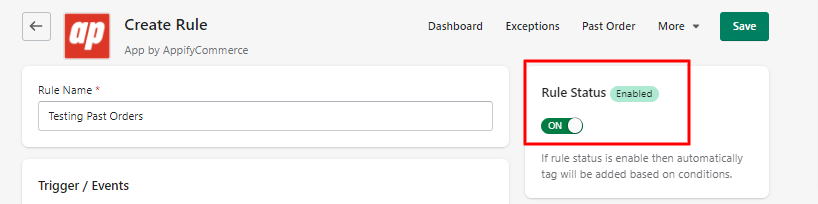
Yes. Open the rule from the Dashboard, change the Status dropdown from Active to Draft and save; switch it back to Active when you want it to run again. You can also select one or more rules on the Dashboard list and use Set as draft or Set as active.
Get Taggify app for Shopify store from here Taggify - Customer & Orders