How I setup Accessibility Toolkit in Shopify store?
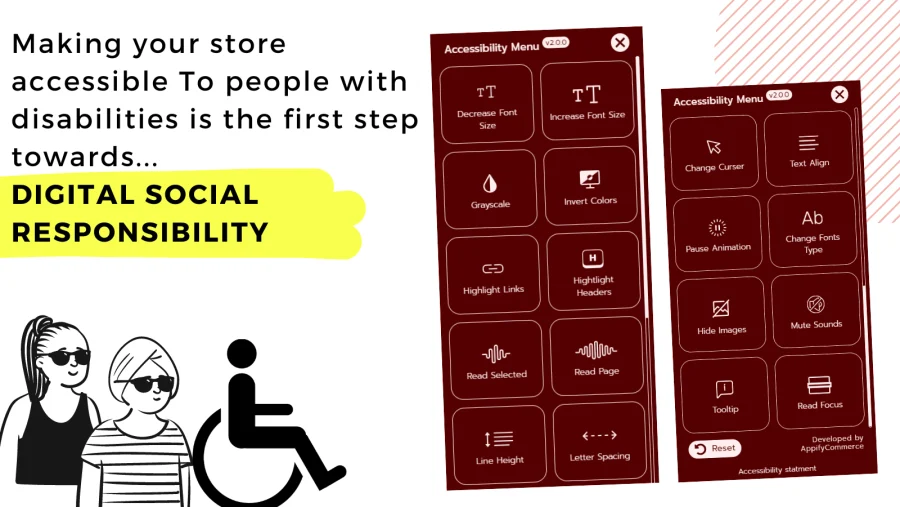
-
Install
AC - Accessibility Toolkitfrom the Shopify App Store. The Free plan installs with no charge; you only approve a charge if you later pick the Basic ($4.99/month) or Advanced ($9.99/month) plan from the app's Upgrade page (7-day free trial). -
Open the app. On the Settings page, under Theme store app embed, click Enable now (or go to Online Store > Themes > Customize > App embeds), switch on Accessibility Toolkit and save the theme.
-
Back in the app, make sure the widget status is Enabled and change settings to match your store theme if you want (customization needs the Basic plan or above).
-
Click
Save. -
App should start working on the storefront now.
Note: The widget only shows on your storefront once the Accessibility Toolkit app embed is switched on in your theme.
Get accessibility app for Shopify from here Accessibility Toolkit