2 posts tagged with "Customer Support"

Information about customer support and its features

View All Tags

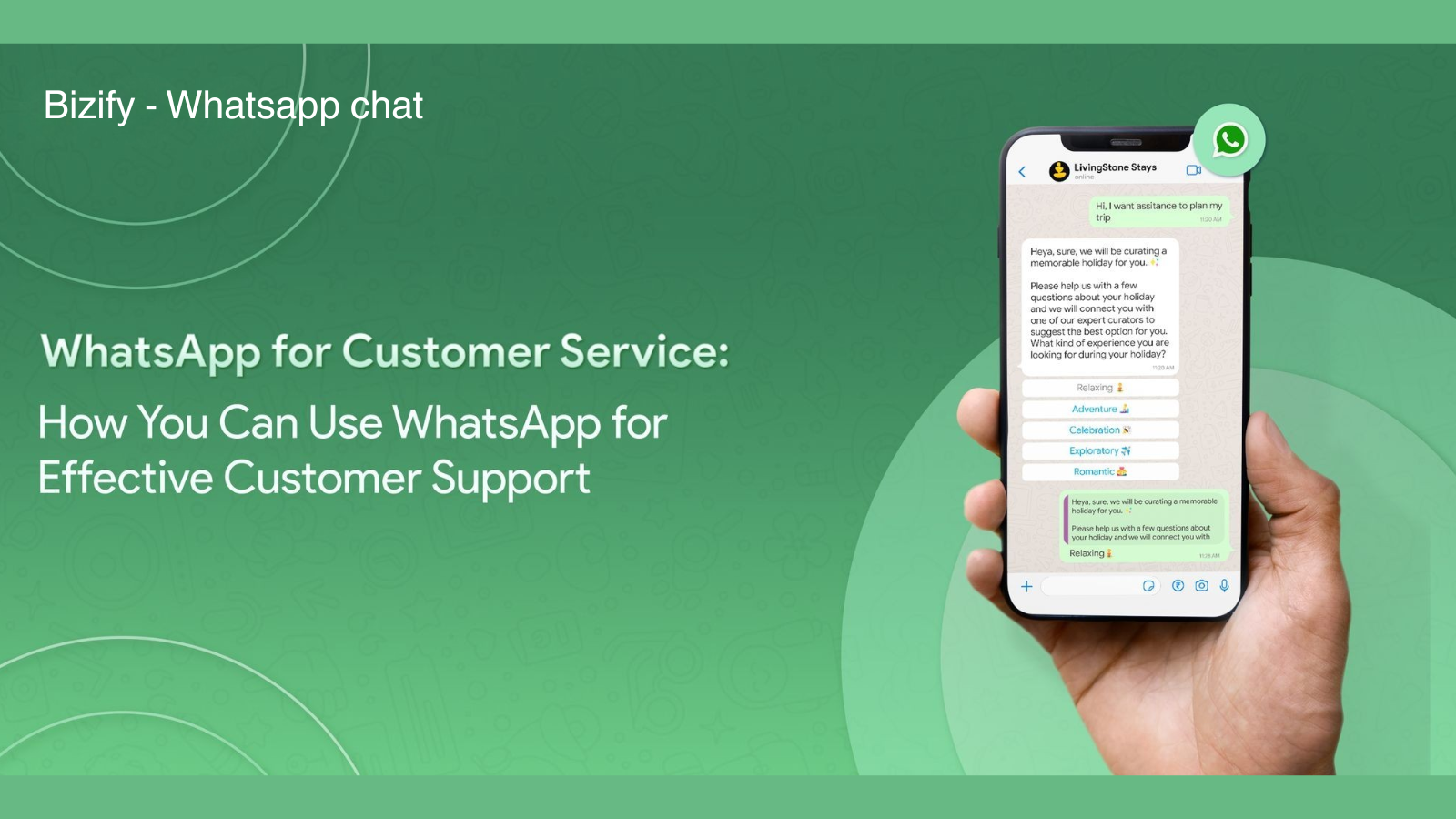
Bizify – WhatsApp Chat App for Shopify : Turn Store Visitors into Happy Customers with Instant Conversations

· 4 min read
Kinnari
Chief Marketing Officer

Bizify ‑ WhatsApp chat App

Install Bizify ‑ WhatsApp chat App Now

Answer Customer Questions Instantly and Turn Visits into Sales

Running an online store is exciting — but it also comes with one big challenge: customers often leave without buying.

Not because they don’t like your products. Not because your prices are high. But simply because they have questions… and no one is there to answer them instantly.

Every unanswered question is a lost opportunity.

That’s where Bizify – WhatsApp Chat App by AppifyCommerce comes in.

Bizify helps you connect with visitors the moment they need assistance. It turns quick conversations into trust, and trust into sales.
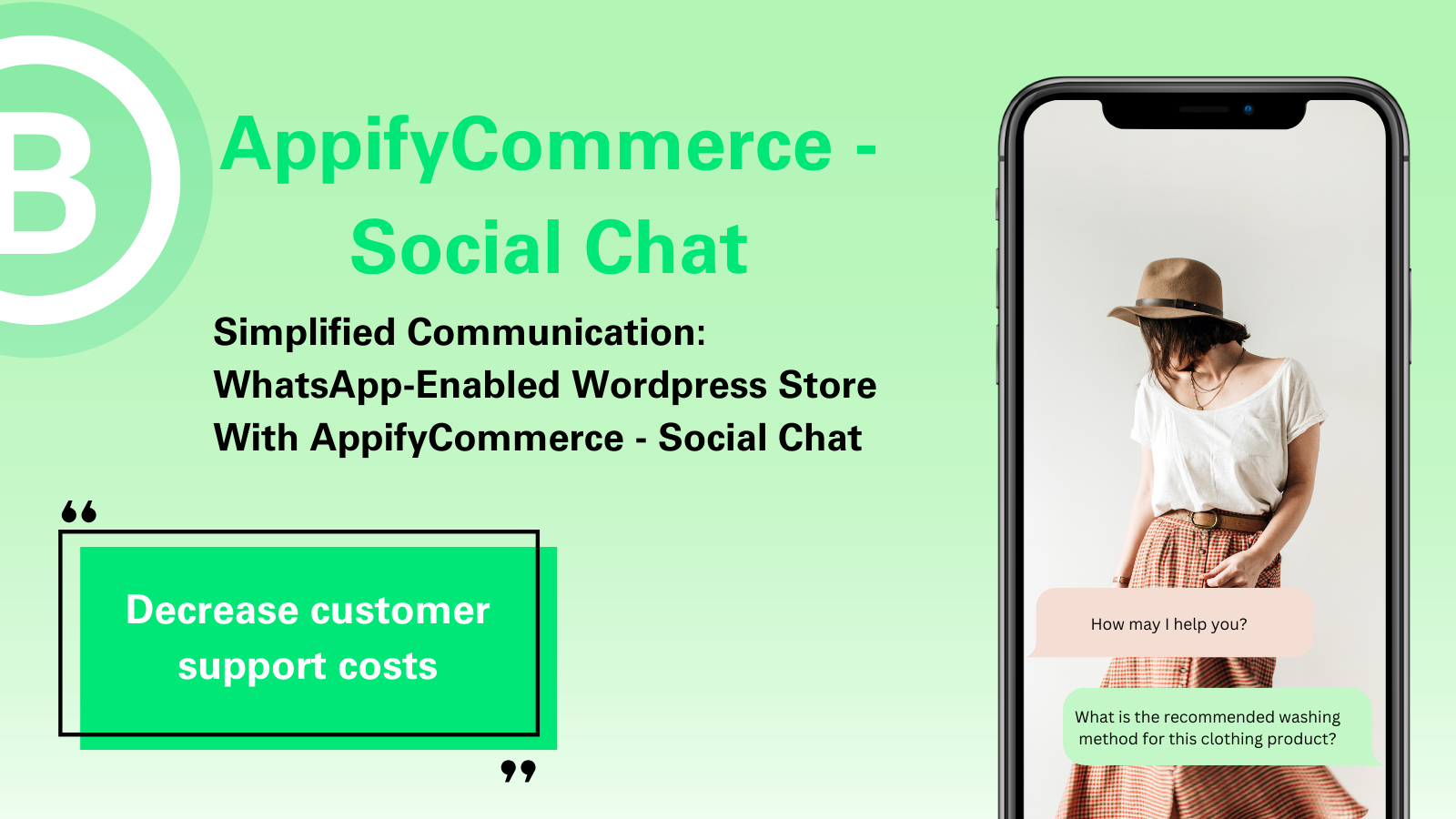
Elevate Customer Support with AppifyCommerce – Social Chat App for WordPress

· 4 min read
Kinnari
Chief Marketing Officer

AppifyCommerce – Social Chat App

Install AppifyCommerce – Social Chat App Now

Introduction

In today's fast-paced digital world, customer support needs to be instant and accessible. The AppifyCommerce – Social Chat App for WordPress offers an effortless way to integrate real-time communication into your website through WhatsApp, one of the most widely used messaging platforms globally. Whether you're a small business or a growing eCommerce store, this plugin makes it easier for you to stay connected with your customers and provide the support they need, right when they need it.

Seamless Integration and Easy Customization

The AppifyCommerce Social Chat App is built with ease of use in mind. No complex setup or coding is required. Once you add the plugin to your WordPress site, it’s ready to go with minimal configuration. You can customize the WhatsApp widget’s look and feel to match your website's branding. Change the text message, swap out icons, and adjust the position of the chat widget—making your site as user-friendly as possible for visitors.