83 posts tagged with "appifycommerce"

Information and updates about Appify Commerce

View All Tags

O: Auto Tag Order & Customer Alternative for Shopify: Count Tags or Count Orders?

· 6 min read
Kinnari
Chief Marketing Officer

O: Auto Tag Order & Customer alternative for Shopify — tags per month vs orders per month

👉 Tag orders and customers without counting tags: Install Taggify ‑ Customer & Orders on the Shopify App Store →

Search "auto tag orders" on the App Store and the first real tagging app you hit is O: Auto Tag Order & Customer, the app most people still call Omega Auto Tags. It's Built for Shopify, it has 4.9 stars across 85 reviews, and it's been around since 2017. We make Taggify, a competitor with 4.7 stars across 12 reviews, so weigh everything below knowing who wrote it. The honest short version: both apps tag orders and customers well. They just send you a bill for different things.

How FitMagik's Try-On Credits Actually Work (And Which Plan Fits Your Store)

· 5 min read
Kinnari
Chief Marketing Officer

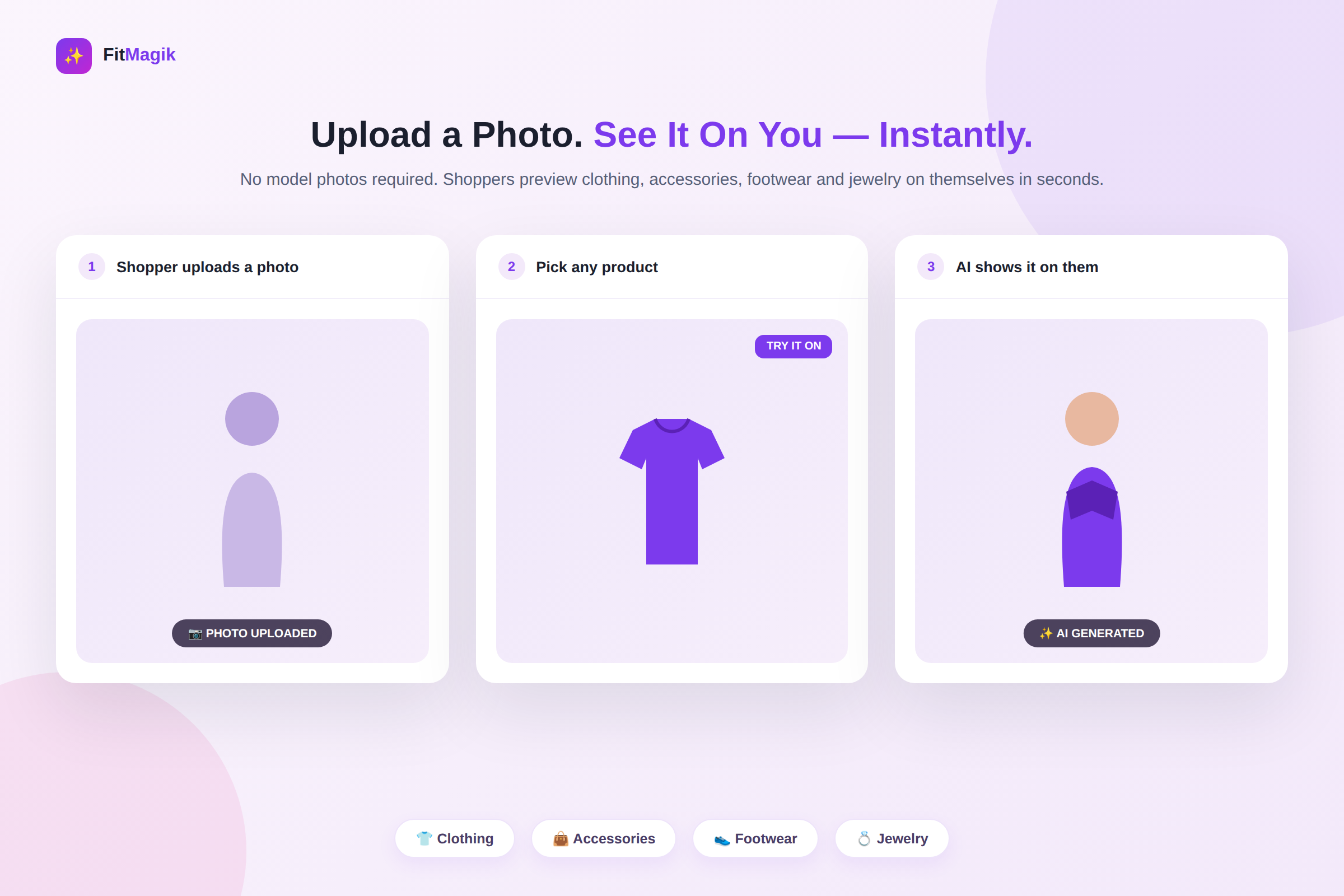
FitMagik: AI Virtual Try‑On App

Install FitMagik: AI Virtual Try‑On App Now​

Before You Install an AI App, You Should Know What You're Actually Paying For​

AI features have a reputation problem: usage-based pricing that's hard to predict and a nagging worry that a glitchy generation is going to eat into a limit you're already watching closely. That's a fair thing to want clarity on before you turn on an AI virtual try-on experience for every product page in your store.

So here's the straightforward version of how FitMagik's try-on credits actually work and a plan-by-plan breakdown so you can pick a tier that matches your store's real volume — not a guess.

ADA Accessibility Widget by AP Alternative for Shopify: What Each Plan Actually Fixes

· 7 min read
Kinnari
Chief Marketing Officer

ADA Accessibility Widget by AP alternative for Shopify — what each plan actually fixes

👉 See your store's real violation list before you pay anyone to fix it: Install AC ‑ Accessibility Toolkit on the Shopify App Store →

In August 2026, 432 ADA web accessibility lawsuits were filed in the US, and 134 of those defendants had an accessibility widget running on their site when they were sued. That's roughly one in three. Keep that number in your head while you read any accessibility app listing, including ADA Accessibility Widget by AP and including ours. We build a competing app, so treat us as an interested party.

AC – Reviews & Ratings Now Replies, Summarizes and Translates Reviews Automatically With AI

· 6 min read
Kinnari
Chief Marketing Officer

AC ‑ Reviews & Ratings App

Install AC ‑ Reviews & Ratings App Now​

Reviews Build Trust. Now AI Helps You Keep Up With Them.​

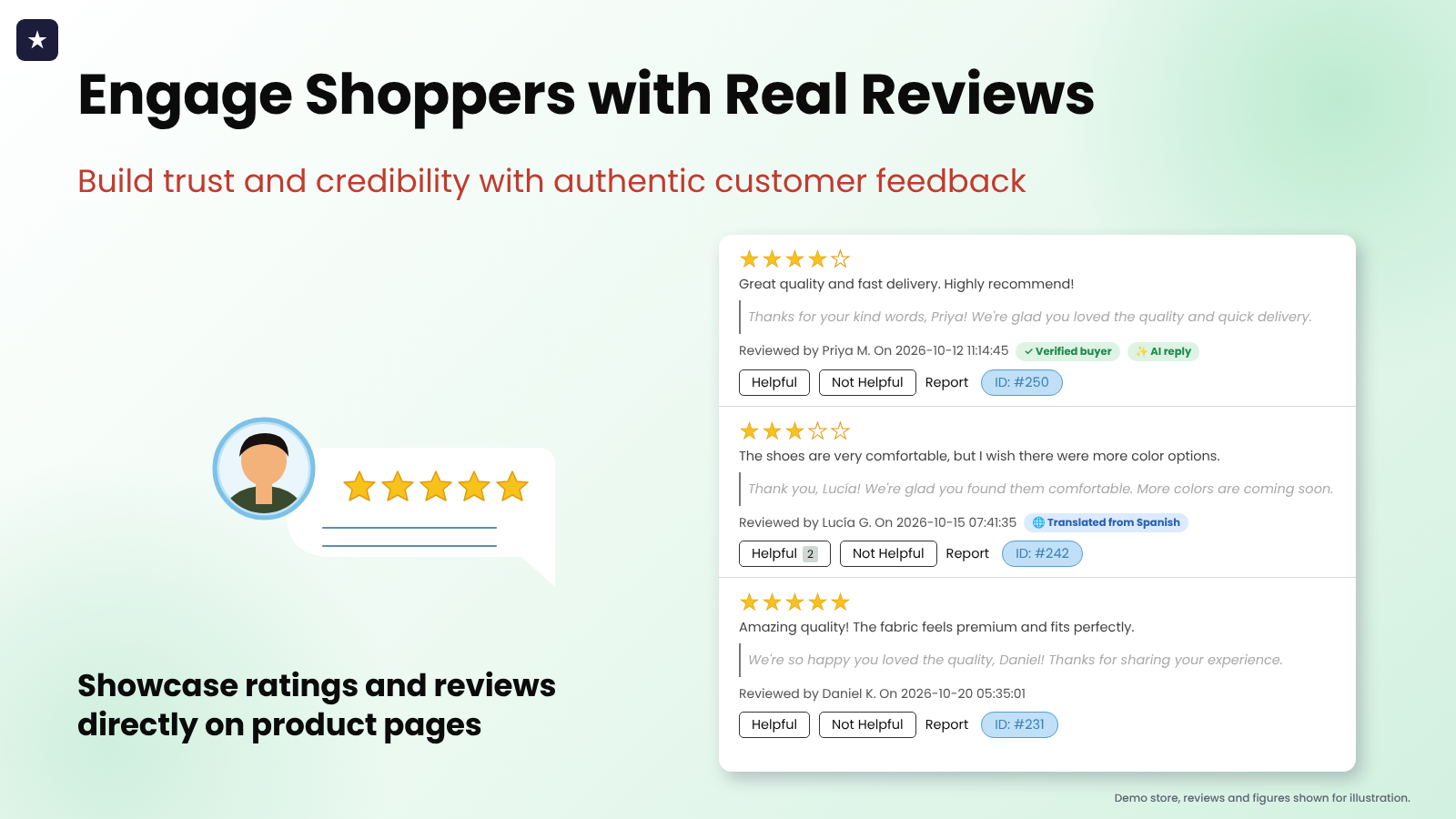
Every merchant knows reviews matter — they're the closest thing your store has to a friend vouching for you. But once the reviews start coming in, a second job appears: reading every one, replying to it, making sense of it at scale, and doing it for shoppers who don't all speak the same language.

AC – Reviews & Ratings has always helped you collect and display authentic customer feedback. Now it also handles the busywork that comes after — with AI that replies to new reviews, summarizes them, translates them, and even helps customers write better ones in the first place.

Enorm Ask a Question Alternative for Shopify: What $3.99 a Month Buys You in 2026

· 6 min read
Kinnari
Chief Marketing Officer

Enorm Ask a Question alternative for Shopify: one $3.99 plan next to a free plan and a $1.99 unlimited plan

👉 Want to test product Q&A before paying anything? Install AC ‑ Questions & Answers on the Shopify App Store →

Search the Shopify App Store for "ask a question" and one of the first organic results is Enorm Ask a question. It does one thing: a button on the product page, an email to you when someone uses it, and your answer published back under the product. For $3.99 a month, that's a reasonable deal. The question is whether one plan and one job still fit how you sell in 2026.

ZoomMaster vs. Horizon's Tap-to-Zoom: The Hover Magnifier Your Product Pages Are Missing

· 6 min read
Kinnari
Chief Marketing Officer

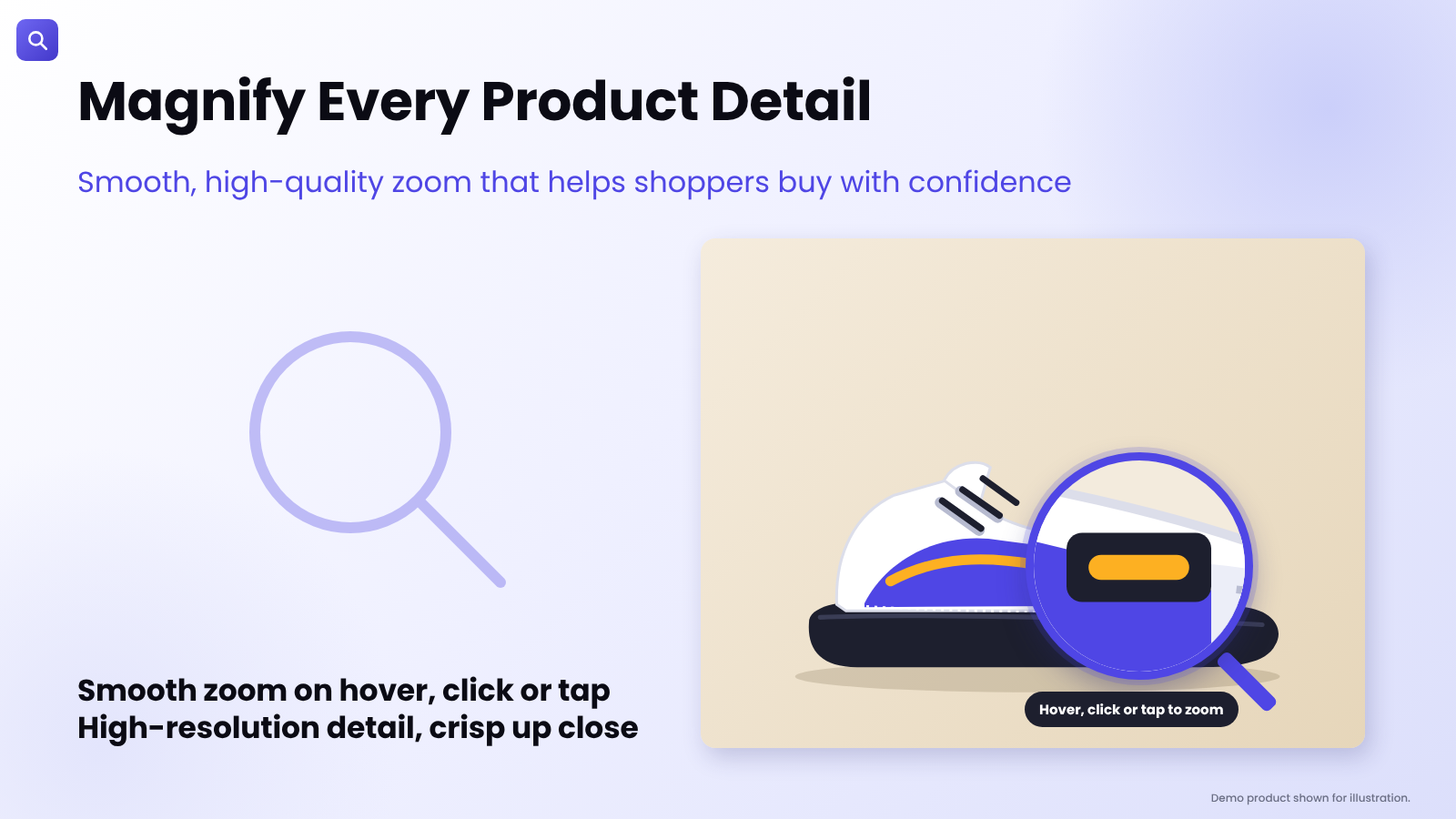
ZoomMaster App

Install ZoomMaster App Now​

Horizon Changed the Theme Game. It Still Didn't Bring Back the Magnifier.​

Shopify's newest theme family, Horizon, is a big step forward — cleaner layouts, faster load times and a more modern shopping experience out of the box. It even added something merchants had been asking for: tap-to-open zoom on product images.

There's just one catch. Tap-to-open zoom is a click-away experience. The shopper taps the image, a zoomed view opens, they look, then they tap back. On desktop, there's no magnifying glass that simply follows the cursor while they browse — the small, glanceable interaction that lets someone linger over a product's stitching, texture or fine print without ever leaving the page.

That gap is exactly what ZoomMaster was built to close.

SC Customer Tagging Alternative for Shopify: Count Your Workflows Before You Pick a Plan

· 7 min read
Kinnari
Chief Marketing Officer

SC Customer Tagging alternative for Shopify — what a workflow cap really means

👉 Tag customers and orders from one rule set: Install Taggify ‑ Customer & Orders on the Shopify App Store →

SC Customer Tagging, from Shop Circle, sits at 5.0 stars across 59 reviews. We build a competing app and ours sits at 4.7 across 12, so read this as a comparison written by an interested party — I'd rather say that in the first paragraph than bury it. The interesting thing about SC isn't the rating anyway. It's that the two apps count completely different things, and which meter you're on decides your bill far more than the sticker price does.

Avada Accessibility Alternative for Shopify: Read the Impression Cap Before You Install

· 8 min read
Kinnari
Chief Marketing Officer

Avada Accessibility alternative for Shopify — what a widget-impression cap really means

👉 Run an axe-core audit on your own store and see the real number: Install AC ‑ Accessibility Toolkit on the Shopify App Store →

Avada Accessibility ADA EAA is, on the numbers, the strongest accessibility listing on the Shopify App Store right now: 5.0 stars across 293 reviews, Built for Shopify, and a free plan. We build a competing app, so treat us as an interested party. But there is one line in its pricing table that most merchants scroll straight past, and it decides whether the app works for your store or quietly stops working in week two.

StoreFAQ Alternative for Shopify: Check What the Plan Actually Meters

· 6 min read
Kinnari
Chief Marketing Officer

StoreFAQ alternative for Shopify — a plan metered by FAQ page views next to a plan metered by questions asked

👉 If you'd rather pay by the question than by the pageview: Install AC ‑ Questions & Answers on the Shopify App Store →

Most "best Shopify FAQ app" comparisons stop at the feature grid. That's the least useful part. Every app in this category renders an accordion, writes FAQ schema and bolts on an AI answer button. What actually decides your bill twelve months from now is the unit each app counts — and in this category the two common units behave in opposite directions.

AC – Questions & Answers: The Complete Guide to Turning Customer Questions Into Confident Purchases

· 10 min read
Kinnari
Chief Marketing Officer

AC ‑ Questions & Answers for Shopify

👉 Give shoppers a place to ask, right where they're deciding: Install AC ‑ Questions & Answers on the Shopify App Store →

The average Shopify store converts about 1.58% of its visitors (IRP Commerce, 2025). Put differently: 98 out of every 100 people who land on your product page leave without buying. Price is part of that story, but a Forrester finding puts a sharper point on it — 53% of US online shoppers say they'll abandon a purchase if they can't quickly find the answer to a question. Not a bad answer. No answer.

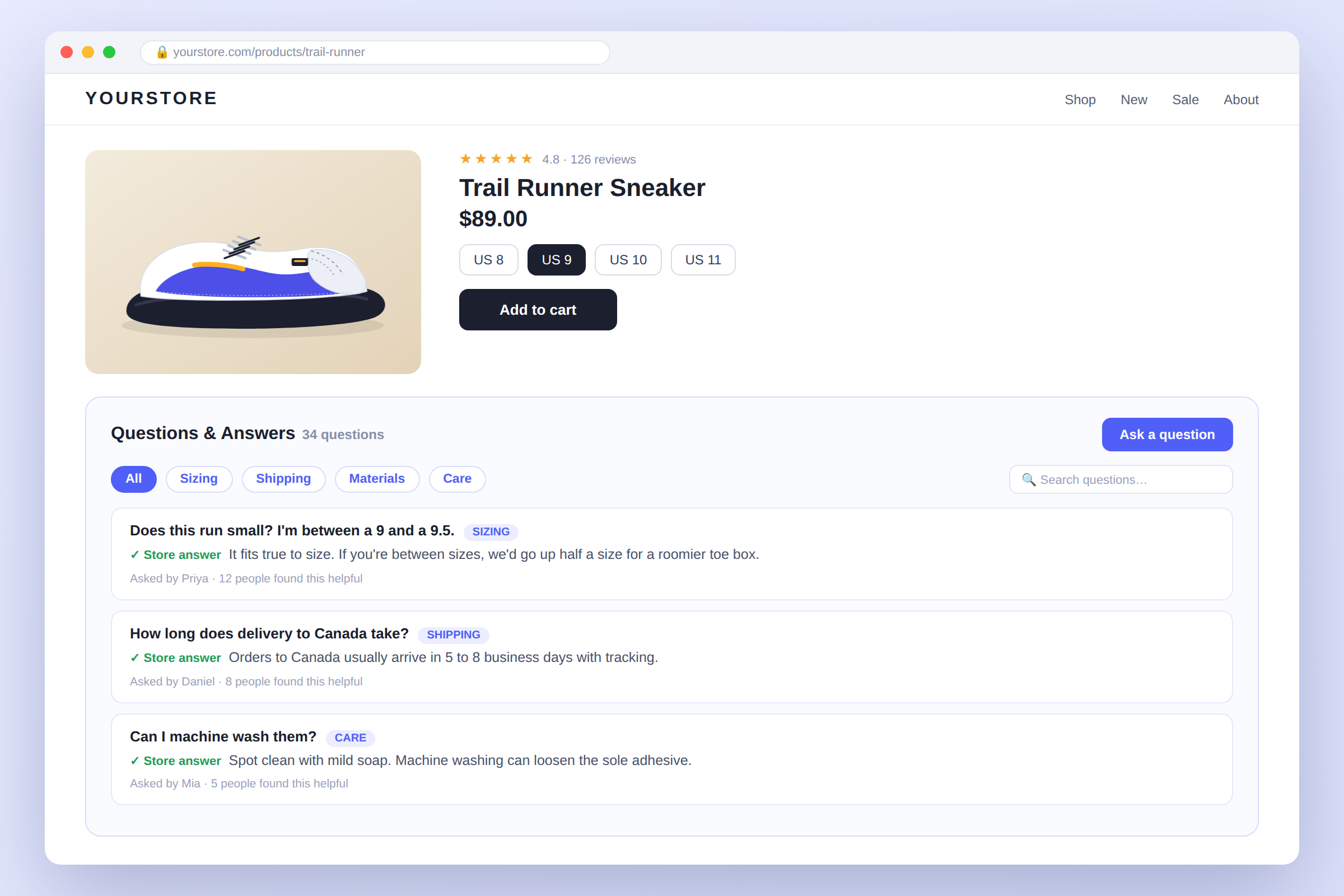
That's the exact gap AC – Questions & Answers by AppifyCommerce is built to close: a Q&A section that lives directly on your product pages, so the question that's stalling a sale gets answered right there, in public, before the shopper clicks away.